Search

Our Submission Specifications at a Glance

Submitting a print-ready file isn't always straightforward. In this overview, we discuss the key requirements your print-ready file must meet.

Submitting a print-ready file ensures that your order is processed more smoothly and also means you won’t incur any additional costs for file verification. However, this so-called print-ready file is only useful if it is formatted correctly and meets a few requirements. Below is a brief list of these requirements.

Please submit your files preferably as JPG or PDF files. Always ensure that the images used have the correct resolution. Always embed images and fonts when creating files. In addition, make sure the file size remains under 100MB to avoid problems during upload.

For products where you, as the customer, specify the dimensions yourself, we ask that you format the file to match the dimensions you have entered.
For example, if you order a banner or sticker measuring 200 x 100 cm, you should preferably submit a file that is also 200 x 100 cm.
Always submit the file without bleed, crop marks, or other registration marks.

Please note: Always check the working drawing for each product. It may specify that you need to supply a different size.

For products with a fixed size or products where the required file size isn’t immediately clear, you must use the working drawing.
This clearly specifies the required file size. You can often find templates under “Downloads” where you can place your design. This ensures that the file is immediately in the correct size.

Blueprints and templates can be found on each product's product page under the "Downloads" section.  

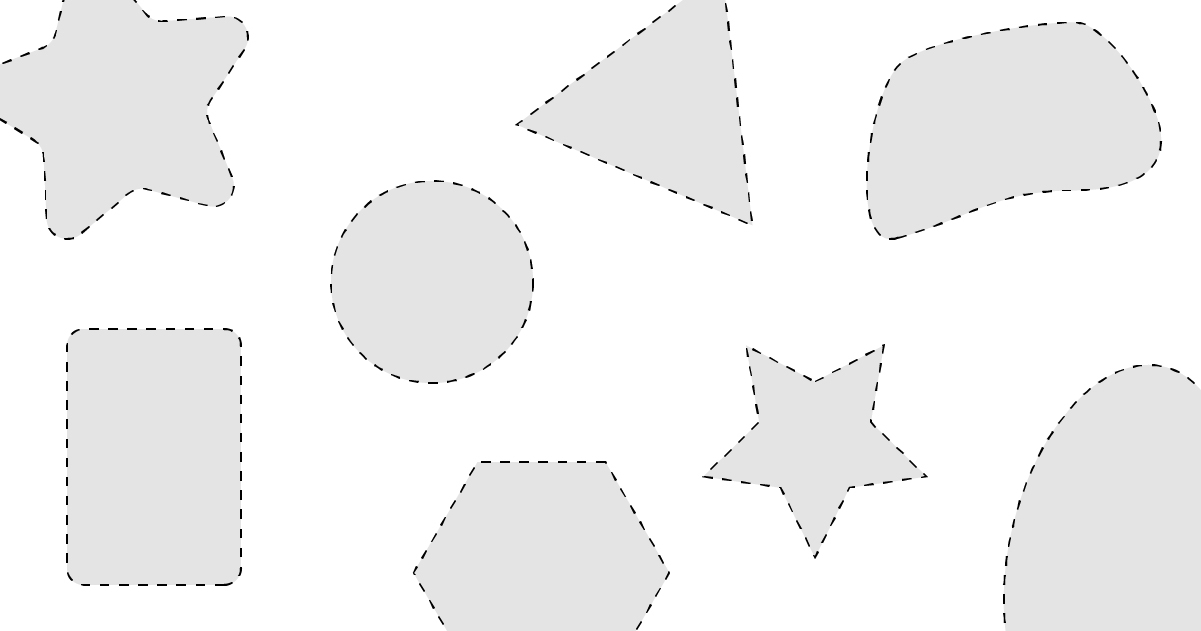
If you would like a product in a specific shape, you must add the cut line for that shape to the design yourself. Here you will find a detailed explanation of how to add a cut contour to the design.
We also ask that you add a 5mm bleed around the cut line.

Designs larger than 450 cm should be submitted at a scale of 1/10. This is to avoid having to process unnecessarily large files.

Here are a few examples to illustrate this:

  1. An advertisement sign that can be cut into a rectangle measuring 50 cm x 300 cm may be submitted as a 50 cm x 300 cm file.
  2. The fabric for a beach chair is cut to a specific size so that it fits neatly into the frame. You can find the specific dimensions of this fabric—and therefore of the file you need to submit—in the working drawing under “Downloads.” 
  3. You would like hexagon-shaped stickers measuring 35 x 35 cm. To do this, place the hexagon itself as the cut line on the design and include a 5 mm bleed all around. This means that the total size of the file you submit will be 36 x 36 cm.

First and foremost, it is important that the designs be created in CMYK. Files created in RGB are automatically converted to our CMYK color profile (ISO Coated V2). This can result in color differences. Make sure your RGB file contains an embedded RGB profile before converting it to CMYK.

We also recommend converting any PMS colors you’ve used to CMYK. If not, we will match them as closely as possible.

If you want to print a deep black, we recommend setting this color to: C: 50%, M: 40%, Y: 40%, and K: 100%.
Using the values C: 100%, M: 100%, Y: 100%, and K: 100% will not always produce the desired black.

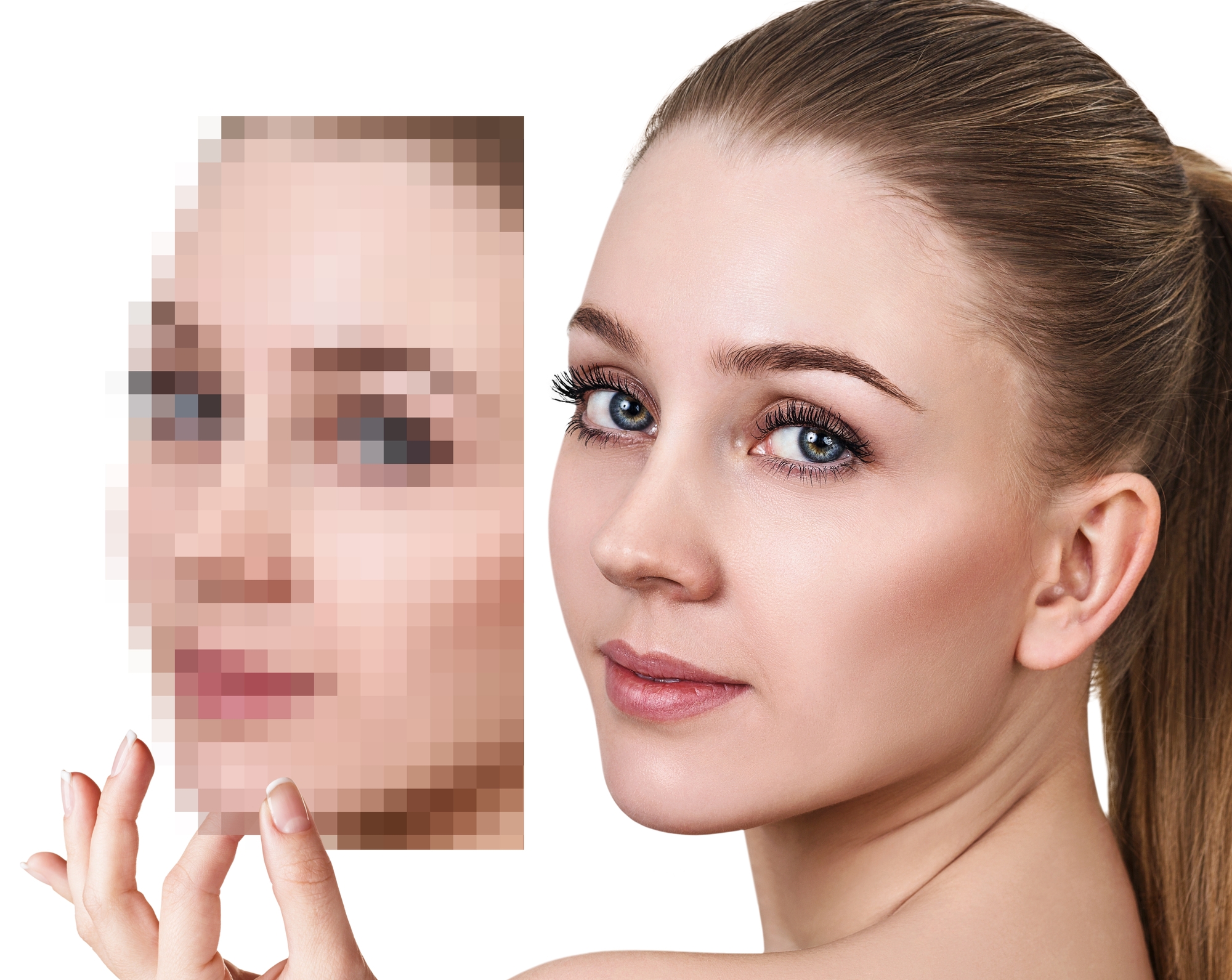
When using photos or other images composed of pixels, it is important that they be of sufficient quality. The optimal resolution for the images depends largely on the application being used and the viewing distance at which the design will be seen. Here you will find more information about the optimal resolution for your design. JPEG files are always created with a specific resolution and must therefore always be checked.

Files that consist solely of vector elements have no resolution. You can recognize vector elements by their consistent sharpness when you zoom in. These elements remain sharp regardless of their size.

Generally, it is not necessary to include bleed in the files you submit. We prefer files in the trim size. Even if you have based your design on one of our templates, no bleed is required. It is already included in the template itself or will be added by us afterward.

Bleed is required if you want a design with a custom cut line. As the customer, you must add this cut line to the design (preferably in a spot color) and include a 5mm bleed on all sides.

Please do not add any other cutting or marking symbols. 

Request a quote.